Can I re-record my Video Screen answers?
Last updated: November 24, 2026
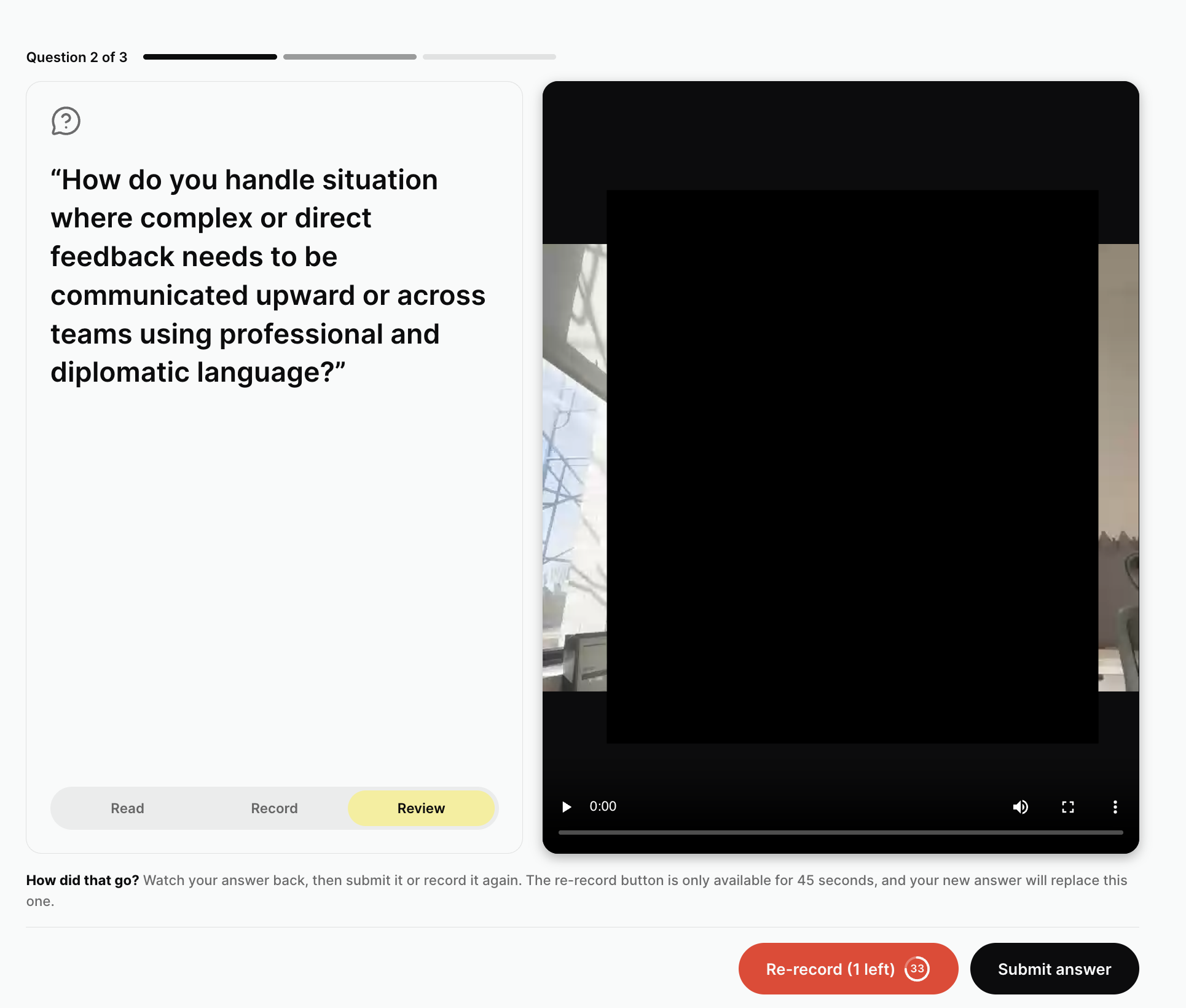
Yes. After you finish recording a response, you can re-record once. You have 45 seconds to start the re-record. A countdown appears on the Re-record (1 left) button.
How it works
Record your answer, then review it.
If you want to try again, select Re-record (1 left) before the 45-second countdown ends.
Your new recording replaces the previous one. You can't re-record that question again.
If the Re-record button is gone
When the countdown reaches zero, the button disappears. The page says: "The re-record window has closed. Submit this answer when you're ready."
If you already used your one re-record for that question, the page says: "You've used your re-record. Submit this answer when you're ready."
In either case, submit the answer that's on the screen. You can't go back to re-record after you move to the next question or submit the interview.
Still having trouble?
If your camera or microphone isn't working, see Camera or microphone not working during your Ropes assessment?.
If you missed the re-record window and need another chance, contact the recruiter who sent your invitation.